
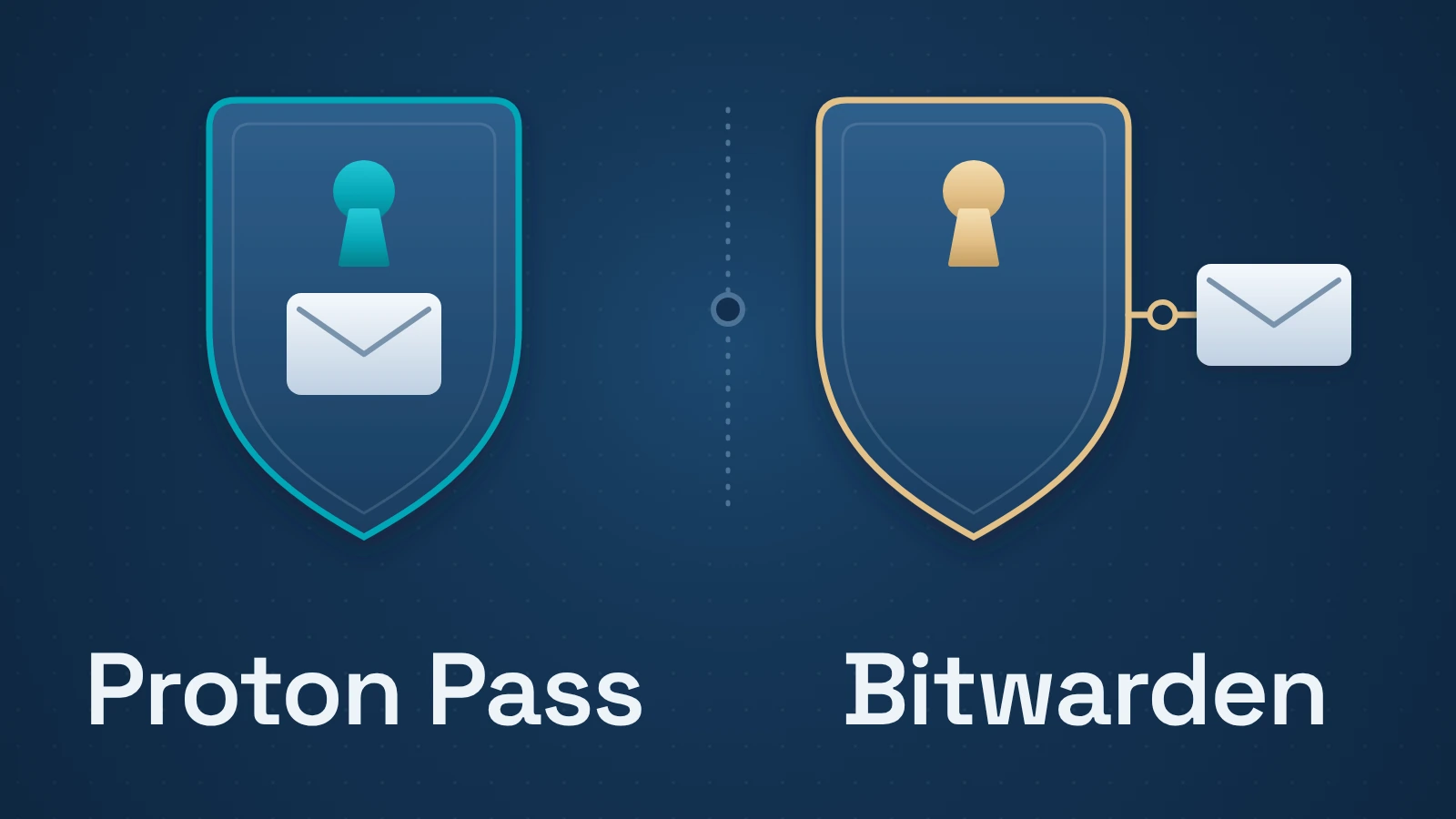
Proton Pass bundles a password manager with hide-my-email aliases. Bitwarden can generate aliases through connected forwarding services and gives emergency contacts a choice of vault-viewing or takeover access.
For a new account, start with the features you need on the free plan. If you’re considering a switch, check the exit route before moving: passwords, passkeys, attachments, and the addresses used for account recovery can follow different paths.
Quick answer
Start with Proton Pass if you want an included alias allowance or already pay for a Proton bundle that covers your needs. Consider Bitwarden if you want to keep an existing alias provider or need its specific view/takeover emergency permissions. Both free plans cover unlimited passwords across devices. Before switching, verify the transfer route for the item types you use.
Contents
- Decision matrix
- Start with the free plan you would actually use
- Aliases: an included service or a connected provider
- Emergency access: check who gets what
- Export formats and passkey transfer
- Before switching, verify a small set of awkward items
- When keeping your current manager makes sense
- Evidence and scope
Decision matrix
| Decision | Proton Pass | Bitwarden |
|---|---|---|
| Aliases | 10 free aliases documented; paid plans expand this | Generator integrates with email-forwarding services |
| Authenticator codes | Up to 3 free items; paid unlimited | Integrated code generation is paid; separate Authenticator app is free |
| Emergency access | Eligible paid plans; broader Proton account scope | Eligible paid setup; view or takeover permissions |
| Leaving | Documented export/import routes; completeness untested | Format-specific export coverage; completeness untested |
Start with the free plan you would actually use
Both products offer a free personal plan. Proton’s current plan documentation lists unlimited logins and devices, ten hide-my-email aliases, passkeys, and up to three authenticator items. Its paid plan expands aliases and authentication codes and adds other capabilities. Older comparisons that describe every built-in Proton authentication code as paid are no longer a safe guide.
Bitwarden’s plan page lists unlimited passwords and devices for its free account. For either product, make a short requirements list before comparing subscription totals: how many aliases you need, whether codes should live alongside passwords, and whether you need paid sharing or recovery features.
Proton’s free allowance can cover a few authentication codes alongside passwords. Bitwarden’s integrated code generation requires a paid entitlement; its separate Authenticator app is free. Decide whether you want codes inside the vault or in a separate app before treating those features as equivalent.
Prices, billing periods, promotions, and bundle entitlements change. Compare the renewal price and the exact account tier you would buy. An existing Proton bundle may change the incremental cost of Pass; a headline introductory price does not settle the long-term comparison.
Aliases: an included service or a connected provider
Proton includes ten hide-my-email aliases on its free plan and unlimited aliases on Pass Plus. If you want a new forwarding address for each signup, the allowance and plan entitlement become practical constraints. Our email-alias guide explains how masked addresses differ from Gmail plus-addresses and ordinary account aliases.
Bitwarden’s generator connects to email-forwarding services. If you already use a provider you want to keep, that can be a better fit than choosing a manager for a new bundled allowance.
Suppose a shopping account uses a forwarding address created through your password manager. Moving the saved username and password copies the login details. The forwarding service still handles mail to that address. Check its downgrade and address-retention rules before canceling it, particularly when the address receives password-reset messages.
Count those forwarding addresses when planning a move. A vault with fifty logins may be easy to import while still leaving you with fifty mail routes to maintain.
Emergency access: check who gets what
Bitwarden documents emergency access with two distinct permissions: view access and takeover access. The latter changes control of the account; the former is meant to let the trusted contact read vault items. Setting up a contact requires an eligible paid account, while the contact can have a free account on the same Bitwarden server.
Proton also offers emergency access on eligible paid plans. Its announcement describes access across the Proton account, including passwords, mail, and files. That broader scope is a reason to inspect the permission carefully, not to assume it is interchangeable with access to a password vault.
Choose the person, permission, and waiting period together. For example, allowing a family member to read a vault during an emergency is a different decision from allowing an account takeover. Complete the invitation and confirmation steps while you can still sign in.
Keep emergency access separate from your own account-recovery plan. The feature descriptions here establish the permissions the vendors document; they don’t establish a security ranking.
Export formats and passkey transfer
Bitwarden’s export documentation distinguishes CSV, JSON, encrypted JSON, and an attachment-inclusive ZIP for individual vaults. JSON carries item types and fields CSV omits. Account-restricted encrypted exports are tied to their original account and encryption key; password-protected exports can be imported into another Bitwarden account. Choose a backup format for the recovery situation you need it to handle.
Proton documents exports from its web app, browser extension, and Windows app, rather than its mobile apps. It offers encrypted and unencrypted options. An encrypted Proton backup is not automatically a file another manager can import.
Proton’s Bitwarden import instructions provide a JSON route for moving supported vault data into Pass. Keep a list of anything that needs a separate check, especially attachments, passkeys, custom fields, and shared or organization-owned items.
Passkeys especially deserve a separate check. A manager’s ability to store a passkey, include it in an export, and transfer it to another application are different capabilities. Bitwarden documents direct credential exchange on supported mobile platforms; Proton’s October 2026 roadmap still describes its credential-exchange work as planned. A roadmap is not proof that a capability has shipped.
Our explanation of passkeys versus passwords covers the credential and recovery model. For this choice, the immediate question is whether the destination can receive the particular passkeys you already use.
Before switching, verify a small set of awkward items
Use a small trial collection before attempting a full move. Include an ordinary login, a login with several URLs, a secure note, any custom fields you depend on, an attachment if relevant, and a representative passkey if a supported transfer route exists. Use disposable test credentials rather than copies of your most sensitive accounts for the trial.
Check the destination’s fields and then use the trial items in the browser and phone apps you rely on. Keep the old vault available until you have verified access to your real accounts and checked the recovery arrangements.
If a route requires a plaintext export, treat that temporary file as exposed vault material: use a trusted device, avoid shared or automatically synced folders, and remove the temporary copy when it is no longer needed. Do not delete your only usable backup merely to tidy up a migration.
The trial above is a suggested procedure. We haven’t run a live-vault migration for this comparison.
When keeping your current manager makes sense
If your current manager works, switching is worthwhile when it solves a recurring problem: an alias limit, a recovery permission you need, or an export restriction that conflicts with your backup plan. Write down that requirement and confirm it in the destination before moving the full vault.
A different feature count alone is a weak reason to take on migration work.
Evidence and scope
Documentation checked October 18, 2026. Product behavior and plan details above are attributed to current vendor documentation. No hands-on autofill, security, recovery, or migration testing was performed. Roadmap features are identified as planned. Recheck plan entitlements and transfer support before acting.
Sources
- Proton Pass plans explained
- Bitwarden plans and pricing
- Bitwarden export documentation
- Proton Pass export documentation
- Import Bitwarden data into Proton Pass
- Bitwarden emergency access
- Proton emergency access announcement
- Proton autumn and winter 2026 roadmap
- Bitwarden Authenticator: separate and integrated options